
HD, FHD and 4K quality
Many channels and titles come in more than one quality, so you can choose crisp Ultra HD for a large living-room TV or a lighter stream for a phone on the move.
Turn the screens you already own into a full entertainment system. NigmaTV streams more than 50,000 live channels, a 70,000+ title library and PPV channels in up to 4K — with a support team on WhatsApp whenever you need a hand.
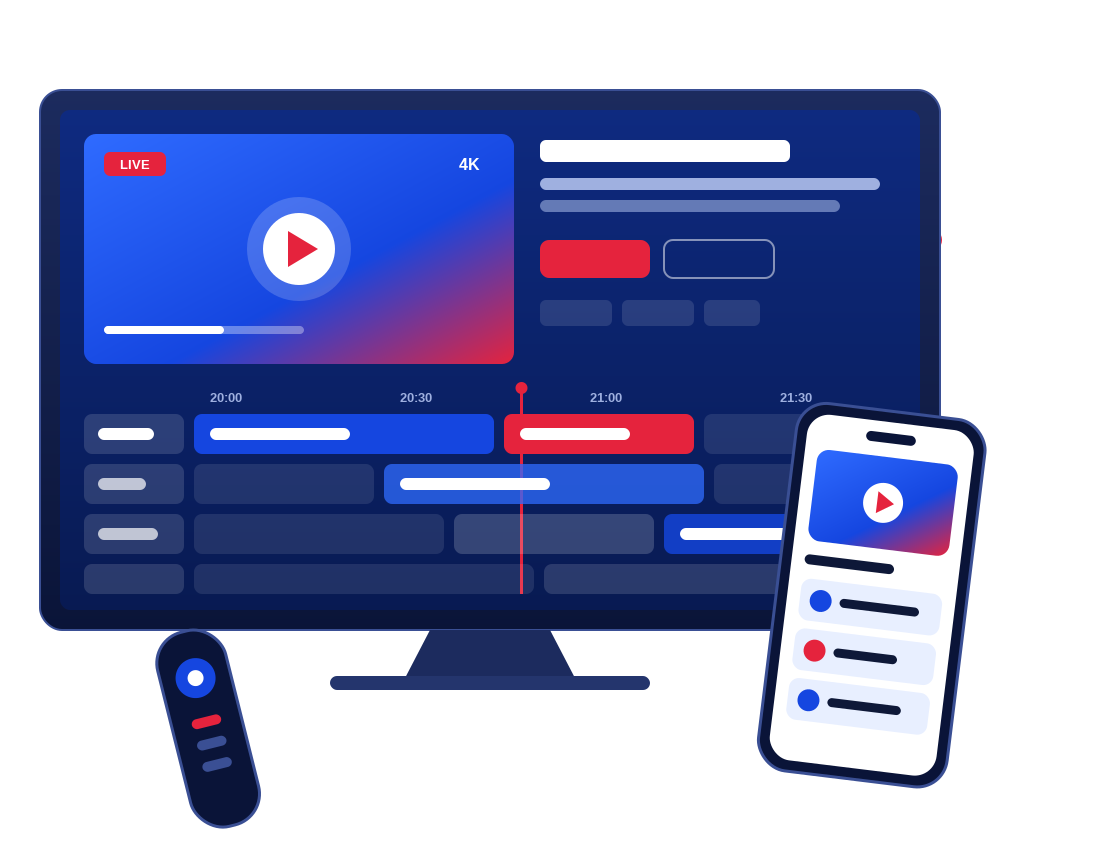
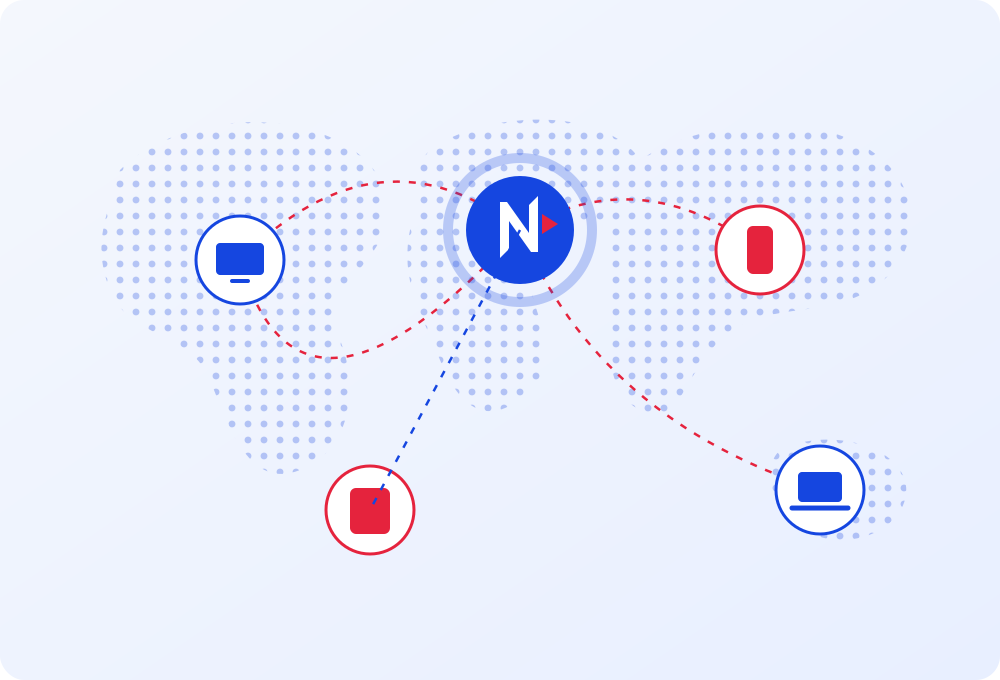
Traditional TV packages tie you to a box, a cable and often a long contract. NigmaTV takes a different route. Because everything is delivered over the internet, your subscription isn't fixed to one room, one device or even one country — it follows you to any screen with a good connection.
We built NigmaTV around three simple ideas. First, give people a genuinely large selection: tens of thousands of live channels and an on-demand library big enough that there's always something new to discover. Second, keep pricing clear, with every feature in every plan. Third, make help easy to reach, so a setup question at midnight doesn't have to wait until the morning.
If internet TV is new to you, the short version is this: you install a player app, enter your NigmaTV details and start watching. Our guide comparing IPTV with streaming apps explains how it differs from the services you may already use.
Just as important is what happens after you subscribe. Every order is handled by a person, not an automated checkout, so you can ask questions before paying and receive instructions that match the device in front of you. If you change TVs, buy a new streaming stick or want to set up a tablet for the kids, the same team helps you move your subscription across.
There's no basic or premium tier to decode. Whether you choose one month or twelve, you receive the complete service from day one.
Many channels and titles come in more than one quality, so you can choose crisp Ultra HD for a large living-room TV or a lighter stream for a phone on the move.
An extensive live line-up sorted into easy categories and supported by an on-screen TV guide in compatible players, so finding tonight's programme takes seconds.
Browse a large on-demand catalogue whenever it suits you. Pause, resume and binge at your own pace instead of following a broadcast schedule.
Pay-per-view event channels are part of the subscription and appear in their own category, ready for the big nights you don't want to miss.
Smart TVs, Fire TV, Apple TV, Android boxes, phones, tablets and computers. Tell us what you own and we'll recommend a player that suits it.
Real people answer on WhatsApp around the clock — for installation, account questions or advice on improving your picture.
Live TV, on-demand titles and event channels are organised into clear categories. Here's an idea of what you'll find when you open the app.
Live sports channels from many countries, plus dedicated pay-per-view event channels.
Around-the-clock news channels in several languages to keep you informed.
Action, drama, comedy, thrillers and family films ready to start whenever you like.
Complete seasons to watch at your own pace, one episode or ten at a time.
Cartoons and family-friendly channels grouped together for younger viewers.
Channels from across the world for expats and multilingual households.
Line-ups and the on-demand catalogue are updated over time and can vary by region. If a specific channel is essential for you, ask us or check it during a free trial.
Four plans, one complete feature set. Press Buy Now to order through WhatsApp — longer plans bring the cost down to $5.83 a month.
Flexible short-term access
One payment · 1 month of access
Secure your order with our team on WhatsApp
Great for a season of viewing
Works out at $10.00/month · one payment
Secure your order with our team on WhatsApp
Lower cost every month
Works out at $7.50/month · one payment
Secure your order with our team on WhatsApp
A full year at the best rate
Works out at $5.83/month · one payment
Secure your order with our team on WhatsApp
Want to try first? Get a free trial · Plan details on the pricing page
There's no engineer visit and no paperwork. Here is the whole process.
Compare the four durations and pick the one that suits you. All of them include every feature.
Press Buy Now. A message naming your plan opens in WhatsApp — send it and our team replies with payment options.
After payment, you receive your NigmaTV login and a setup guide written for your TV, stick, phone or computer.
Install the recommended player, enter your details and your channels, films and series load in moments.
Use the hardware you already have. Here are the most popular ways customers watch.
Setup guides: Android devices · iPhone, iPad & Apple TV
Keep sport channels and PPV events in one favourites list, so switching from the pre-match show to the main event is a single click. For fast action, a wired connection and the FHD or 4K version of a channel give the cleanest picture.
Children's channels, family films and popular series sit in their own categories, which makes the remote much less of a battleground. Many players also let you create separate favourites, so each person's go-to channels are close at hand.
Travelling for work or living abroad? With an internet-based service, the channels you know come with you. Install the player on a laptop or tablet and your subscription is ready wherever there's a reliable connection.
The on-demand library means you never have to wait for a broadcast slot. Start a new series when everyone else is asleep and pick up exactly where you left off the next evening.
An IPTV subscription provides the channels; a player app on your device displays them. That's why setup starts with installing a player. NigmaTV support recommends one that suits your hardware, because the best choice for a Samsung TV isn't always the best for an iPhone.
Most players accept either a single playlist link (often called M3U) or a username, password and server address (often called Xtream Codes). Both load the same subscription; the right one depends on your app. Our explainer on M3U vs Xtream Codes covers the details.
An electronic programme guide (EPG) shows what's on now and next on each channel. Once it's loaded, browsing feels just like a traditional TV menu. If yours looks empty, our guide to using the EPG shows how to refresh it.
Live streams arrive continuously, so short drops in your connection show up straight away as pauses. The table on the right gives sensible speed targets. The biggest single improvement for most homes is a network cable to the main TV, followed by a router placed in a central, open spot.
Use these as a starting point for one screen. A stable line matters more than a high peak speed.
| Quality | Stable speed |
|---|---|
| HD (720p) | about 10 Mbps |
| FHD (1080p) | 15–20 Mbps |
| 4K (2160p) | 25 Mbps + |
A few minutes of setup makes daily viewing faster and smoother. These are the steps our support team suggests to every new subscriber.
With tens of thousands of channels, scrolling is slow. Spend five minutes adding the channels you watch most to a favourites group, and the rest of the list stays out of your way.
Refresh the EPG once after signing in so "now and next" information appears beside each channel. If times look shifted, adjust the guide's time offset in your player settings.
Compare the HD, FHD and 4K versions of a channel on your main screen during the evening. Pick the highest quality that plays smoothly on your connection at busy times.
Install a player on your phone or tablet too, so you can follow a match from the kitchen or keep watching in bed. Ask us about watching on several screens at the same time.
We'd like every customer to be happy with their choice, so here's what we suggest checking before you order — whether you choose NigmaTV or not.
Everything looks good? Start with a free trial or go straight to the plans.
Send us your device model and what you like to watch. We'll tell you honestly how NigmaTV is likely to perform for you, and which player to use. There's no obligation to buy.
Ask our team on WhatsAppEach option has its place. This neutral comparison shows where an IPTV subscription like NigmaTV fits.
| Feature | NigmaTV (IPTV) | Typical streaming app | Traditional pay-TV |
|---|---|---|---|
| Live TV channels | 50,000+ channels in a channel list | Limited or none | Yes, by package |
| Movies & series on demand | 70,000+ titles | Yes — the main focus | Often an add-on |
| PPV event channels | Included | Rarely | Usually charged per event |
| Equipment | Your own devices + player app | Your own devices | Provider box, dish or cable |
| Commitment | Prepaid 1–12 months, no auto-renewal | Monthly auto-renewing | Contracts are common |
| TV guide (EPG) | Yes, in compatible players | Not usually | Yes |
| Main requirement | Stable broadband | Broadband | Coverage at your address |
The questions we hear most from new customers. Browse more in the help centre.
Every NigmaTV subscription includes HD, FHD and 4K streams, more than 50,000 live channels, over 70,000 movies and series on demand, PPV channels, compatibility with all common devices and round-the-clock support. Plans differ only in length — see them on the pricing page.
NigmaTV is an IPTV service, which means television is delivered over your internet connection instead of a dish or cable. You install a player app on your TV, stick, phone or computer, sign in with the details we send, and your channels and library appear in the app.
Yes. Message us on WhatsApp from the free trial page and tell us which device you use. We'll send trial access and instructions so you can judge the service on your own screen.
Smart TVs from Samsung and LG, Android TV and Google TV, Amazon Fire TV, Apple TV, iPhone and iPad, Android phones, tablets and TV boxes, plus Windows and Mac computers. Our guides cover Android and Apple devices step by step.
A steady connection of about 10 Mbps is comfortable for HD, 15–20 Mbps for Full HD and 25 Mbps or more for 4K. A wired connection to your TV gives the most reliable results.
Press Buy Now on a plan. WhatsApp opens with your order written out. Our team confirms the payment options, and once payment is received we send your login and a setup guide for your device.
No. Each plan is paid once and runs for its fixed term — 1, 3, 6 or 12 months. You choose whether to renew when it ends.
Live channels versus on-demand libraries, one login versus many apps — a clear comparison to help you choose.
Read the guide
Install a player, sign in and fine-tune playback on any Android device — including Android TV boxes.
Read the guide
Choosing a player from the App Store, adding your subscription and streaming to the big screen with Apple TV.
Read the guidePick the plan that fits, send us a WhatsApp message and get set up on your device with step-by-step help. Prefer to test first? Ask for a free trial.